Talk to Dopppel out loud
Tap the voice button next to the message box and say what you want. Dopppel answers out loud, and you can read the same answer on screen while it talks.
2 min readTalking to DopppelUpdated 23 September 2026
What it is
Typing is not always the easy way. Your hands are full, you are walking, or the thing you want to say is long. So tap the voice button and just say it.
Dopppel listens and answers out loud. Then you say the next thing, the way you would with a person.
Everything you both say lands in the chat as words too. So you can read along while it talks, and read it again later. A call uses what Dopppel already remembers about you. New memories are saved when you type, not when you talk.
How to use it
- 1Clear the message box, then tap the voice button next to it ("Start voice conversation").
- 2Say what you want, in plain words. You do not have to say it a special way.
- 3Listen. Dopppel answers out loud, and the same words show up in the chat.
- 4Keep going. Ask a follow-up out loud, or stop and type instead.
Questions
Can I talk to Dopppel instead of typing?
Yes. Tap the voice button next to the message box and say what you want. You do not have to type at all. Or hold the mic to say one message: your words go into the box, and you press send yourself.
Does Dopppel talk back?
Yes. It speaks its answer out loud. You do not read it unless you want to.
Can I see what it said as well as hear it?
Yes. What you say and what it says both land in the chat as words, so you can read along and read it again later.
Does everything work in voice?
Most of it. A few things live in the typed chat instead: making documents, charts, tables and pages, reading files you send, and saving new memories. Ask for one out loud and Dopppel says so, then helps you there.
Can I change the voice Dopppel talks with?
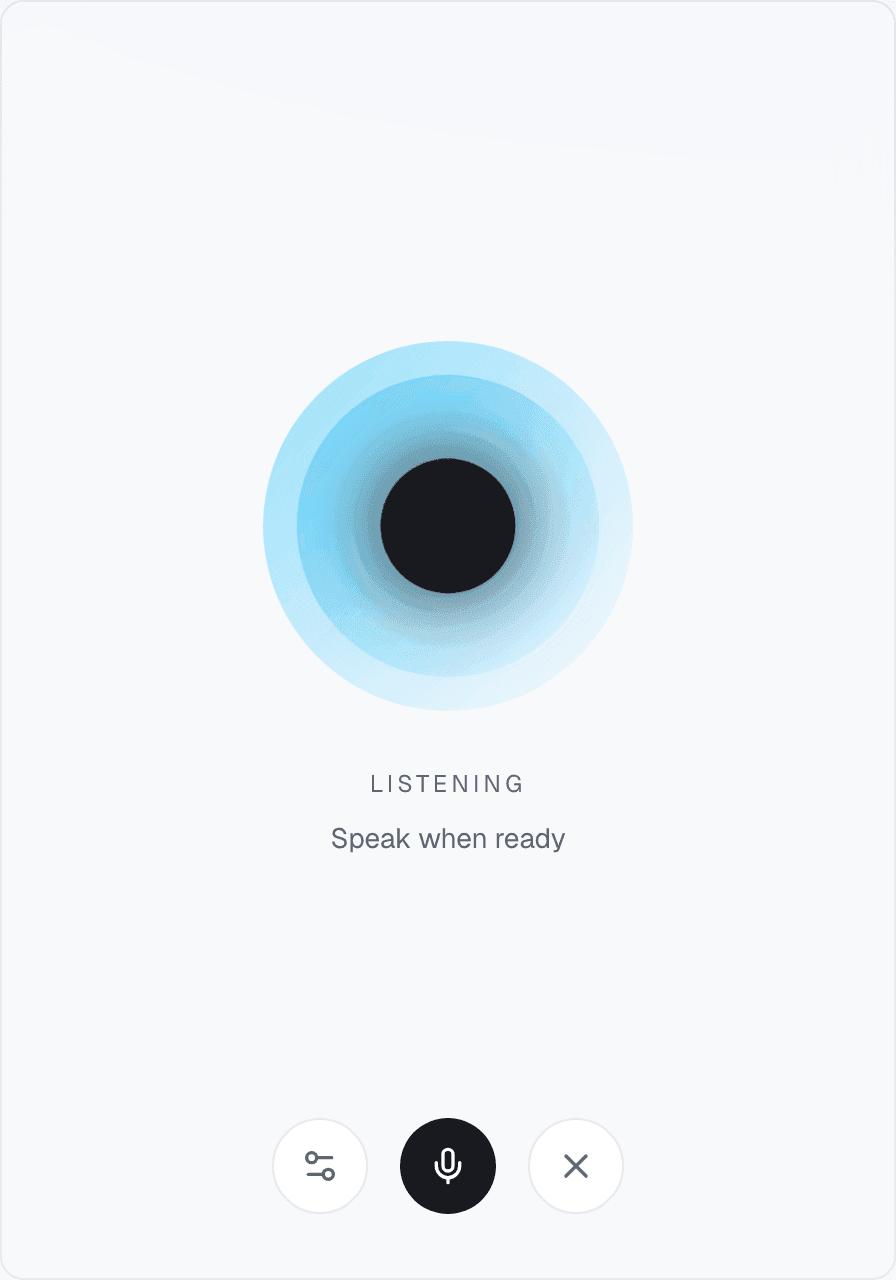
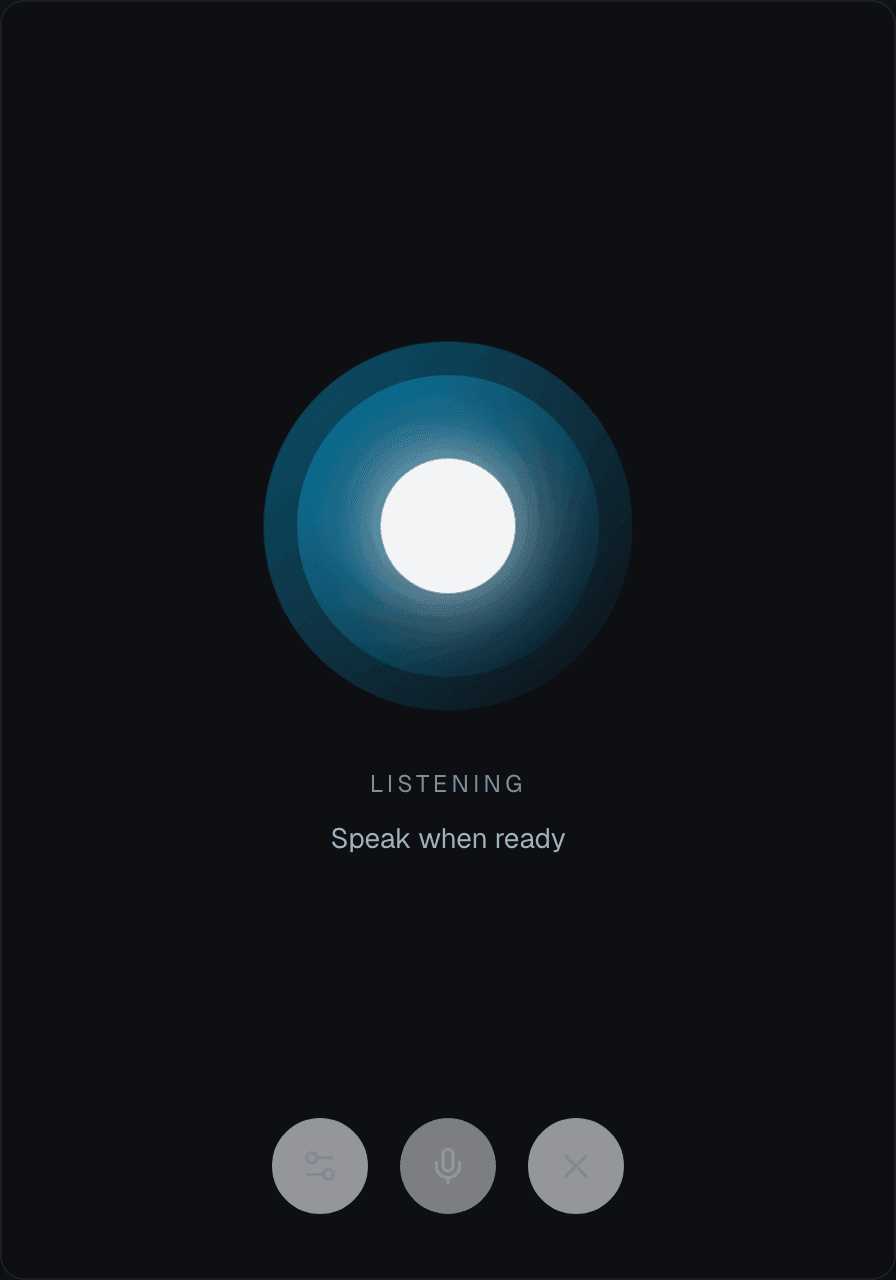
Yes. In a full-screen call, tap the settings button at the bottom left, then pick a voice from the list. Your pick starts with your next call, not the one you are in. You can also pick it any time in Settings, under Preferences, on the line "Dopppel's voice". If "Where calls show up" there is set to "Stay inside the chat", the call has no settings button, so change the voice in Preferences instead.
Does voice work on a phone?
Yes. It works the same on a phone as on a computer. Tap the voice button and talk.
Was this helpful?